Smart locks, video doorbells, and Wi-Fi enabled thermostats are no longer just desirable features for tenants looking at rental property in Baltimore. These amenities are rapidly becoming expected by potential renters.
Before investing in technology upgrades to your rental property, it’s important to understand which of these technologies are truly considered “tech-enabled” and how they can benefit you, as attracting quality tenants is important.
What are Tech-Enabled Amenities?
Smart home features & basic digital upgrades are two categories of high-tech tools & systems that can be added to a rental property to make life easier for the landlord & tenant.
Difference between Smart Home Features and Basic Digital Upgrades
While not all technology used by landlords is made equally, understanding the differences allows you to spend your money wisely, as well as properly market your units.
Smart Home Features
Smart home technology refers to any product with a connection to the Internet, which enables remote control, learns user behaviors, and automates user behaviors. You can basically pair these with common AI tools that home owners and estate agents use.
Some examples include smart thermostats that regulate temperatures based on the presence of users, remote management for smart locks, and scheduling lighting systems when you’re away.
These products are in constant interaction with their users and/or other connected products.
Basic Digital Upgrades
These upgrades are single electronic devices that provide some level of convenience but lack Internet connection and/or lack any type of automated feature.
Examples of products with these characteristics include programmable timers, digital keypads for locking doors that cannot be controlled remotely via WiFi, and local recording-only video doorbell cameras.
While they provide added value by providing increased convenience over their analog counterparts, they lack the remote access capabilities and data-driven insights provided by smart products.
Ultimately, the primary differences between these categories are connectivity and remote access/automation capabilities.
Smart products communicate with users and/or other products in real-time. Products classified as basic upgrades only replace analog functions with digital ones.
Operational Advantages for Property Managers
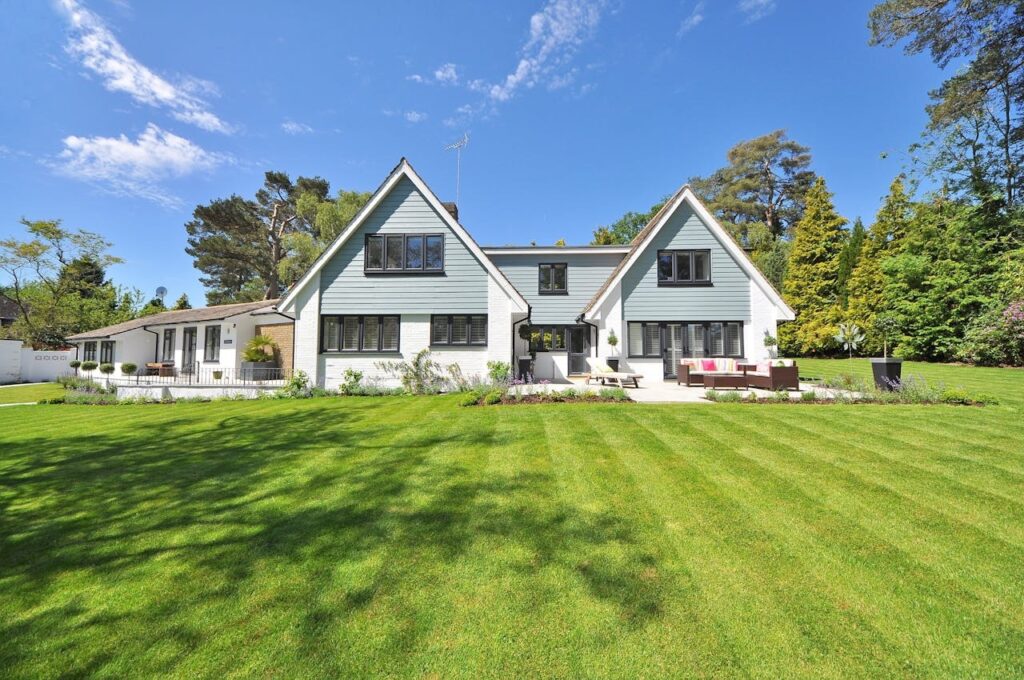
Image Alt Text: White and Gray Wooden House Near Grass Field and Trees
With that understood, let’s look at how these tech-enabled amenities benefit you directly. Besides bringing in new tenants, smart technology makes your operations easier in three important ways:
1. Streamlined Property Access
No longer will you have to hide keys in a mat or be forced to travel across town due to a lockout. With smart locks, you can give contractors, cleaners, or potential renters a temporary code to enter your home from wherever you are.
You have total control over who has access to your property. Convenience and security bring peace of mind to your renters as they won’t need to worry about losing a key or making an emergency trip.
2. Remote Monitoring
Smart leak detectors and remote viewing of your property via security cameras allow you to view your property remotely.
You can make adjustments to the temperature of your property when there are no tenants in residence, get notifications that your pipes have frozen during a cold winter in Baltimore (to prevent damage), and verify maintenance is complete without having to physically be at the location.
Using this proactive monitoring method will help to ensure small issues do not become large, costly repairs.
3. Improved Communication with Tenants
Technology helps bridge the gap between you and your tenants. Portal-based messaging systems help keep all communication organized and documented. Automated maintenance request systems automatically route to vendor service providers.
You can instantly send group notification messages to your tenants when an inspection is scheduled or a weather alert has been issued. However, before proceeding with these technological changes, ensure to evaluate the potential ROI of smart home upgrades that can attract tenants. This lets you know whether it is a worthwhile change or you need to go back to the drawing board.
Bonus: Preparing Your Lease for Smart Technology
Using smart devices without changing your lease will create a gray legal area. However, adding some key clauses into your lease will provide you with protection from potential disputes and define tenant expectations about using connected technology.
1. Define Devices as Amenities, Not Requirements
If you choose to add smart features, make it clear in the lease that they are provided as an amenity and may be removed at any time if there is a technical issue requiring repair.
By identifying them as an amenity, you can maintain the ability to disconnect or replace the smart device(s) if needed, without violating lease terms. The tenants will have a full understanding of the amenity and simply need written notice before signing the lease.
2. Specify Internet Responsibility
Many smart home devices need a consistent connection to Wi-Fi in order to work properly. Lease agreements should outline the tenant’s obligation to provide and maintain their own internet service.
In addition, specify that any smart device will have no function if the internet is down; and that you will not be responsible for any loss of function or connectivity issue that occurs outside of your control.
3. Restrict Device Tampering or Removal
Include language in your rental agreement that prohibits tenants from disabling (uninstalling), resetting to factory settings, or disconnecting smart technology devices. Many renters turn off smart thermostats so they can bypass the “learning” features.
Others will pull out a video doorbell’s power cord for privacy reasons. The smart devices are part of the property, just like lighting, and should be specified in your rental agreement as such.
4. Establish Access and Notification Rights
Landlords have the right to monitor systems and adjust settings on smart devices remotely, but this makes many tenants concerned about their privacy.
By establishing the tenant’s rights to privacy and notice before the landlord monitors, adjusts settings, or views video footage, it creates an environment of mutual respect. It also allows you the opportunity to identify maintenance issues or potential lease violations.
5. Clarify Damage and Replacement Costs
Replacing smart devices is typically going to be much more expensive than replacing standard equipment.
In your rental agreement, you need to include a clause that clearly states that if there are damages to smart locks, thermostats, or cameras (other than regular wear and tear), they will be deducted from your security deposit.
It may also be a good idea to provide a current replacement cost list, so your tenant understands what they are liable for before the tenant moves in.
Conclusion
Beginning with a few smart upgrades, you can create a high-tech environment in your rentals. Document how these technologies help you manage your properties and establish usage guidelines with your renters.
Consider hiring an experienced Baltimore rental property management team to help set clear policies for use. This way, you can ensure you are maximizing the benefits of smart home technology in your rental units.